
In this photoblog I show you how I got from idea – perhaps a sketch, or a drawing of a concept – to actually add a new domain, set up a placeholder page, and get a website up and running in no time.
(1) Domain
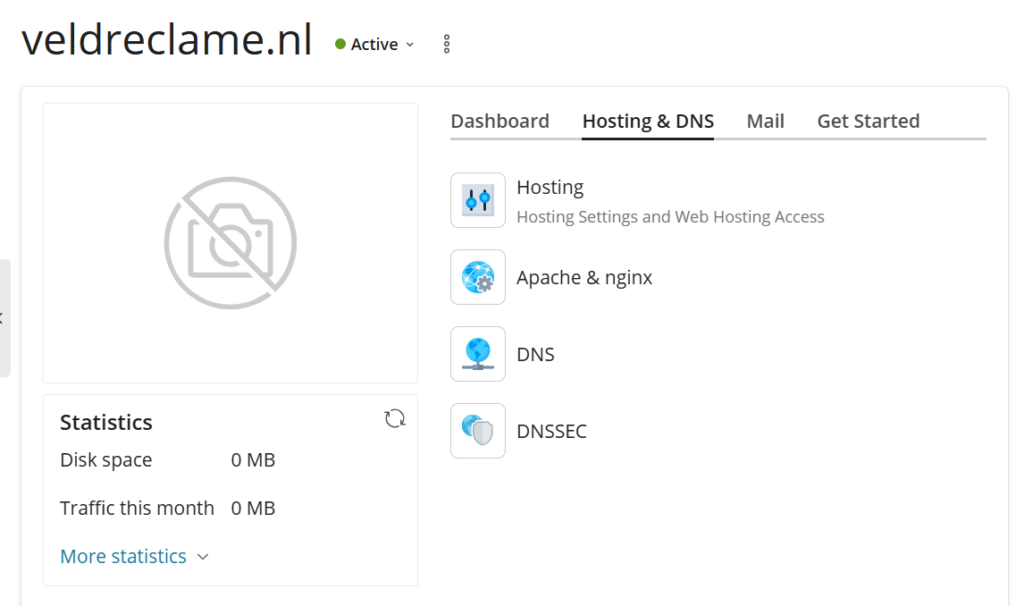
Step one is a new domain. This comes right after the idea, sometimes even before the idea! Today I show the technical steps after registerring a domain. How I add it to my Plesk server management, and so on. The first part is the set up from scratch of veldreclame.nl the last screenshots taken from adding some content to a placeholder site I had for rlst.nl. It is kind of funny to link to these new empty sites. But the idea of build in public, is that it is cool to see this back after some time when we are doing gazillions.
(2) SLL Certificate
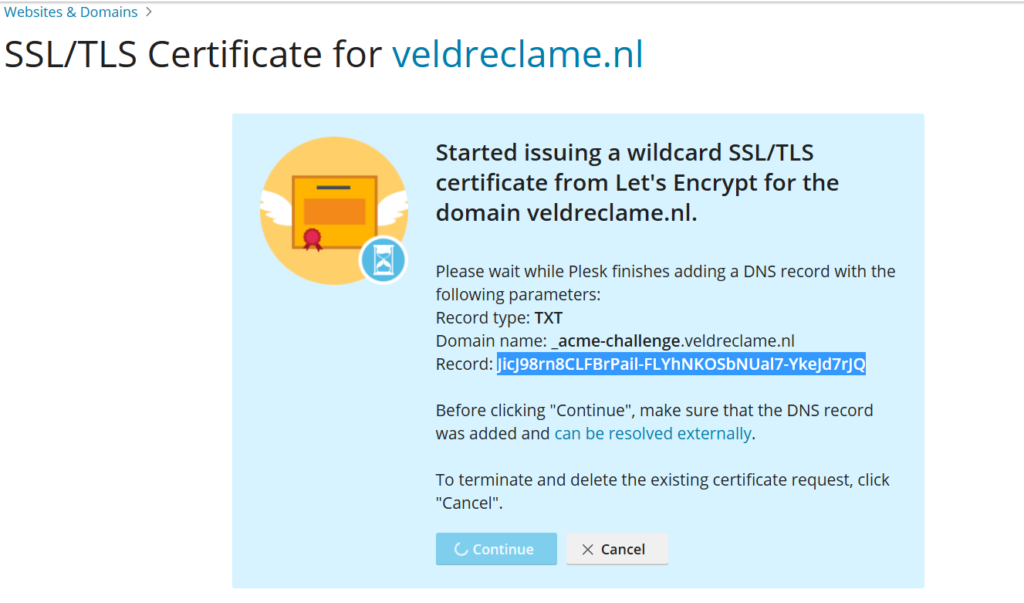
Next is installing the free Let’s Encrypt Certificate. For some reason (money) smart people decided that http needed to be turned into https. Nobody really understands why, and how this encryption works, but that does not matter. Today it is an requirement.
(3) Default Plesk Page
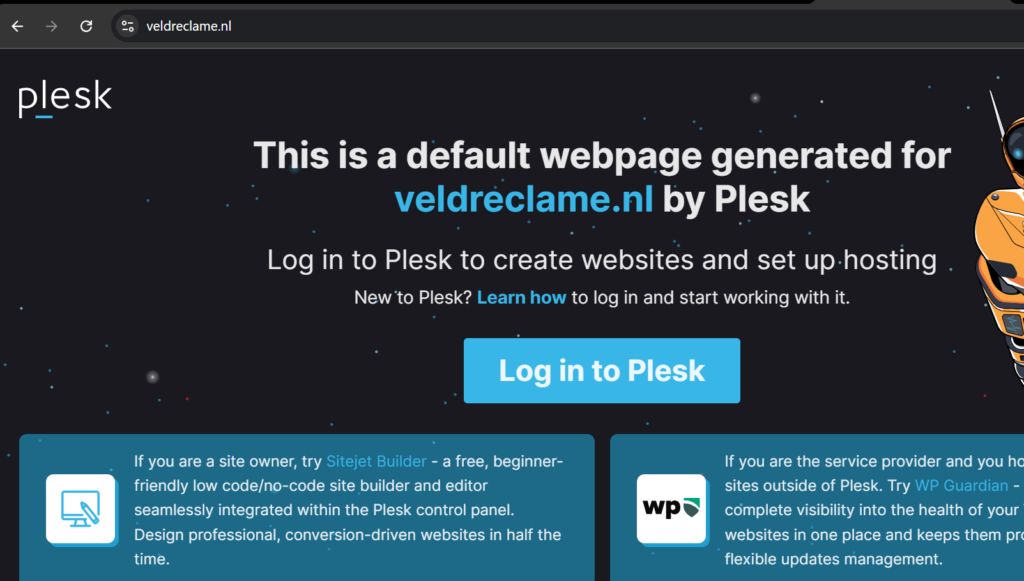
After adding the domain to my server, the domain registrar placeholder is replaced by this default Plesk page. Plesk is the software I use to manage my Server. It is the operation system used to have a clickable interface.
(4) The Famous 5 minutes WordPress install
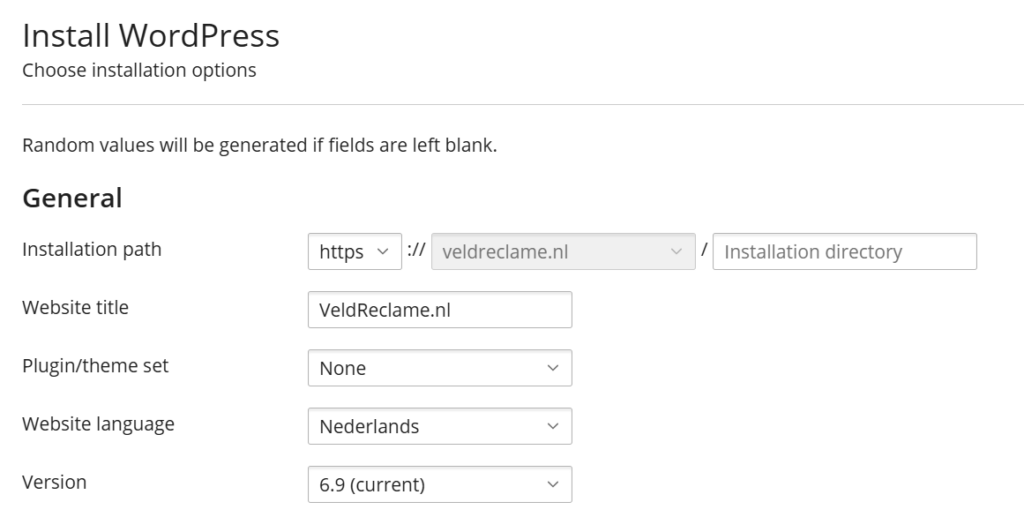
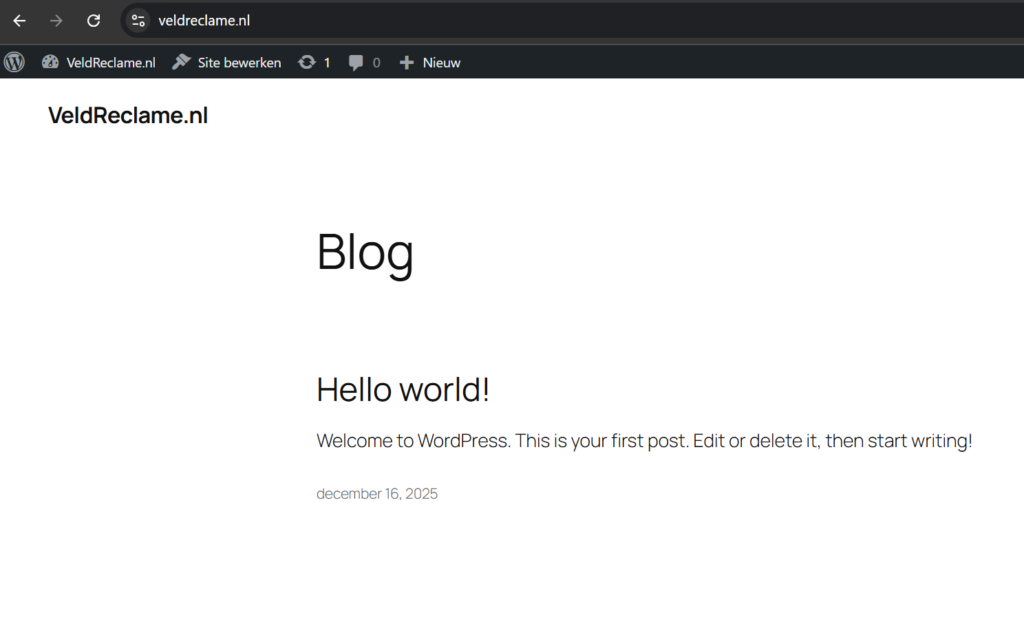
Now we install the latest WordPress version. This famous 5 minut install is quick. All true.
(5) We are live! Hello World
Would be funny to rank for Hello World! The standard opening post on a new WordPress website.
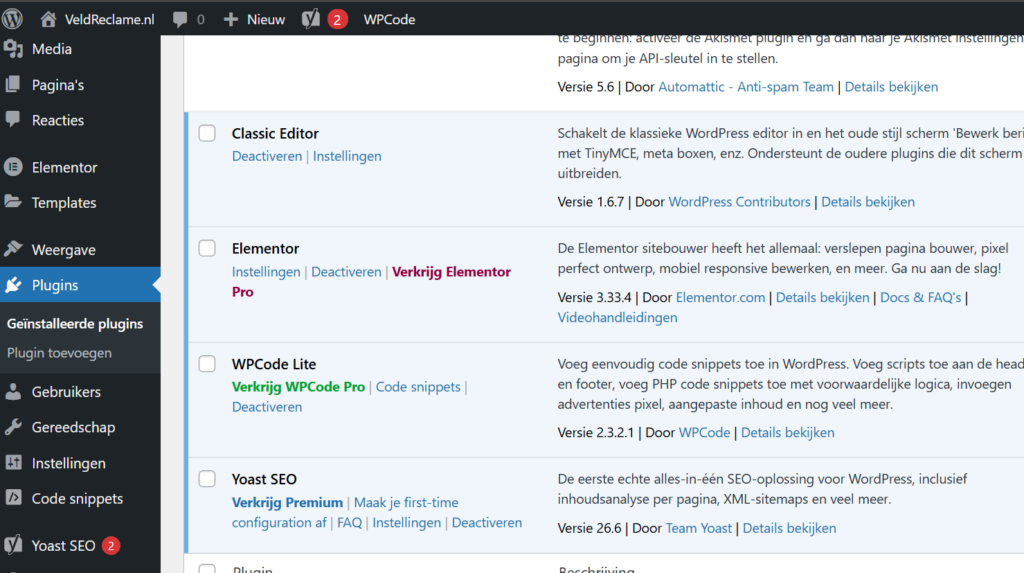
(6) Basic Plugin Set
With the installation is is possible to select a predefined plugin set. I rather handpick as little plugins as possible. Every plugin needs maintanance. It requires automatic updates, it can fail, it can become a liability. The more clean you have your site running, the better it is. This way you keep your site light and fast.
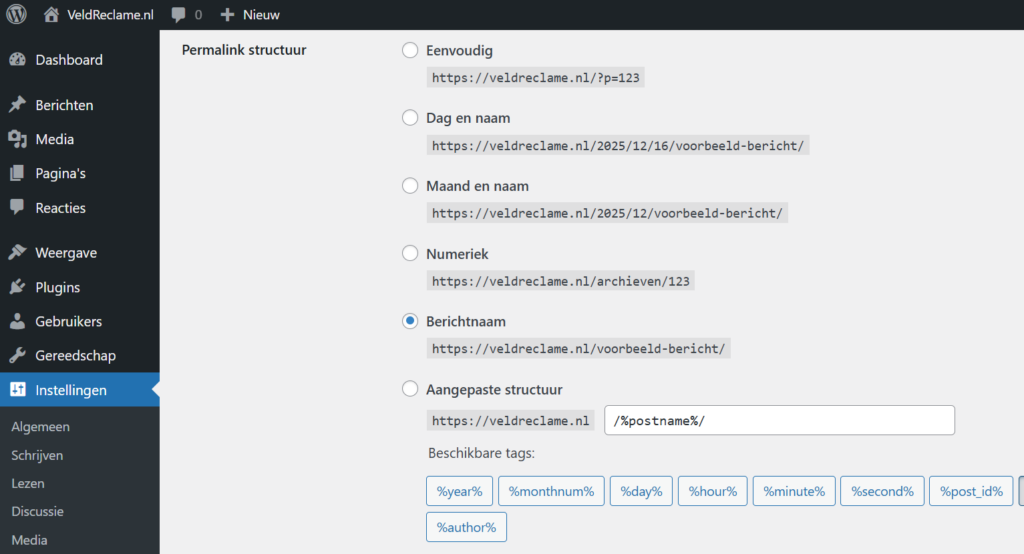
(7)Permalinks
Your permalink structure needs to be set here. Years ago I learned you need to hit save two times. I still do it. Not sure if it is really required to do so! Whe you are creative, you can pick your category and tag bas smart, in accordance to your webit topic. I can appreciate it when url’s are created you can really use to navigate the website structure in your browser. Folder up, folder down. Parent page, child page, etc.
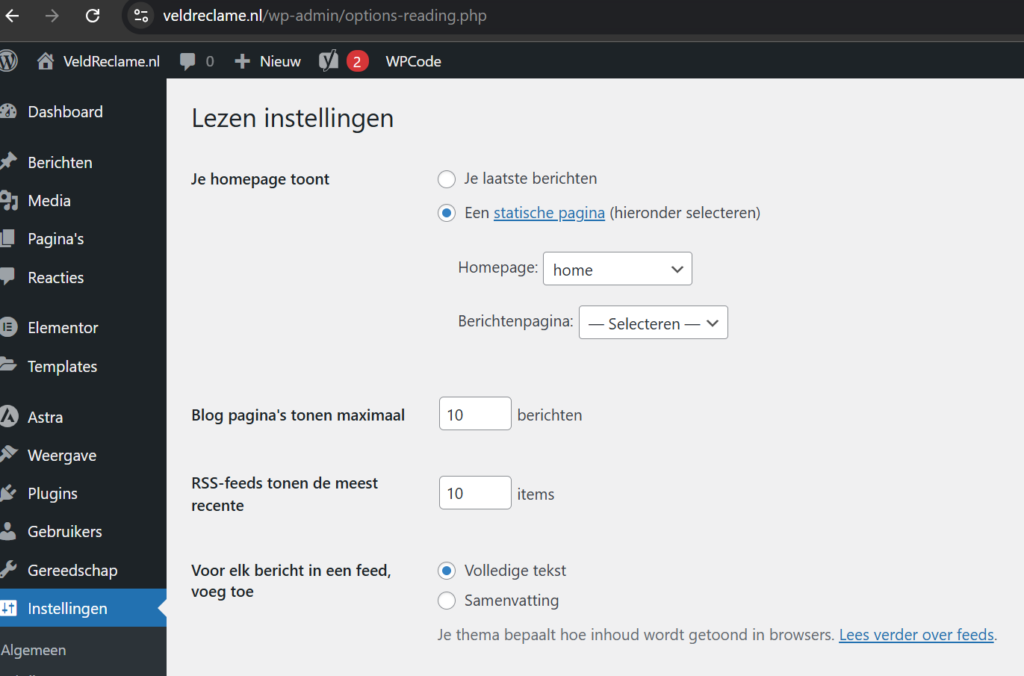
(8) Set Home Page
To avoid spam comments. I alway remove the default post and example page. Afer that I set an empty home page, and dive into crafting a logo in the next step.
(9) Craft a logo in Canva
Photoshop if you can, Canva if you must. Do not spent to much time on it. Updating it can later. A logo does not bring money in. Not on day one.
The VeldReclame.nl obvously is inspired by a sportsfield and the sponsorboards around it. Oftentimes we try to put to many elements in a logo. As you observe here too. I tried to minimise it, and I am pretty sure a later version will be more minimalistic. The sponsorboards are Orange. Representing the Dutch Real Estate sector, oftentimes visable at our sport fields! Blue stands for Social impact, because we create extra income for local sportclubs. Green stands for environmental impact, trough awareness campaigns funded by this initiative.
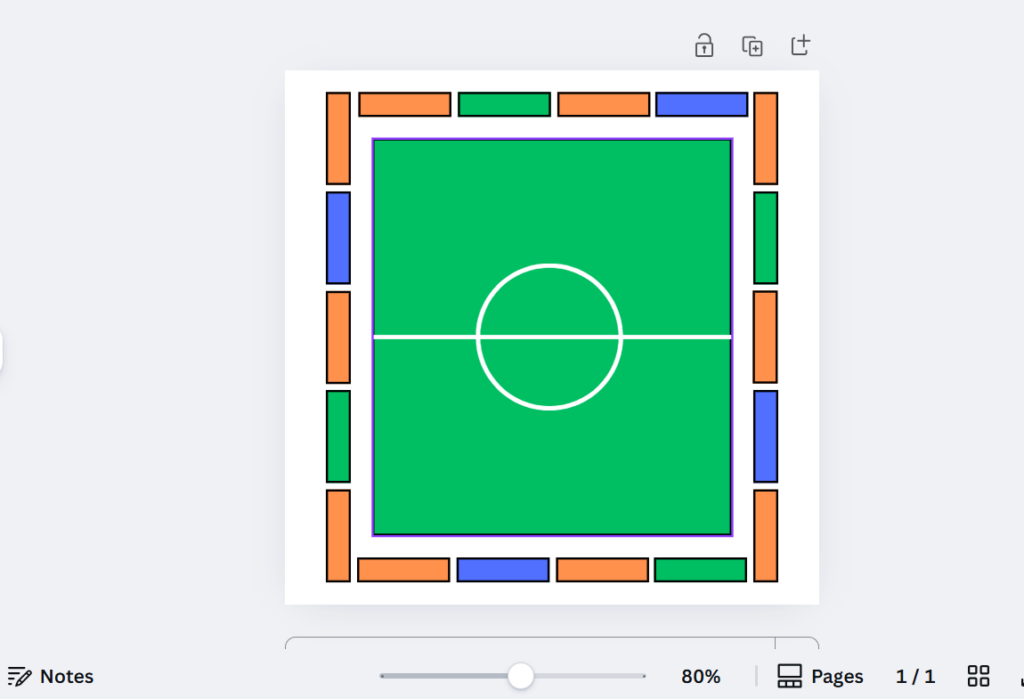
(10) Trow in the logo and tagline
Ten steps to get your idea online! In this last step we add the logo and favicon, we add a mission based tagline, and update the footer accordingly.
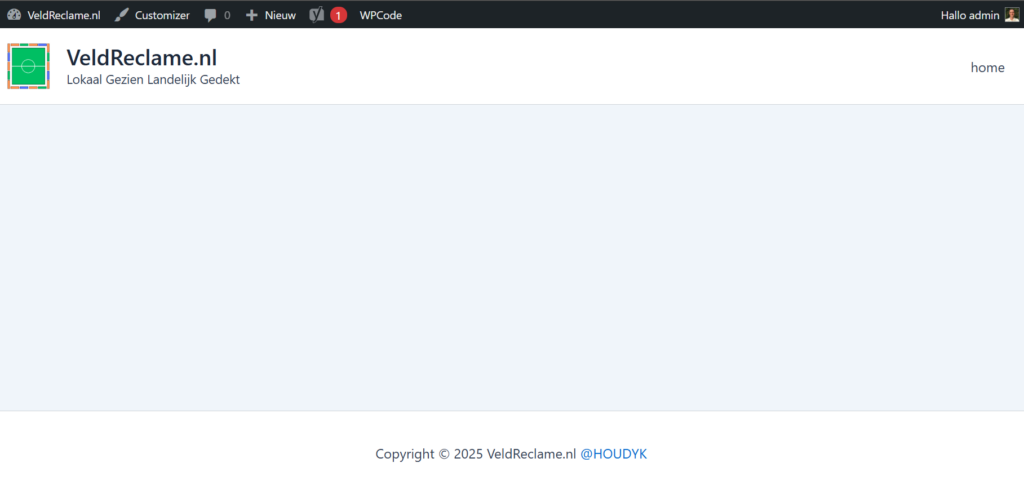
(11) Bonus: next steps
Our placeholder website is ready! Like this it can sit some time, untill we have time to further develop our ideas. If possible, write some lines of text to highlight your idea, perhaps it will get indexed already!
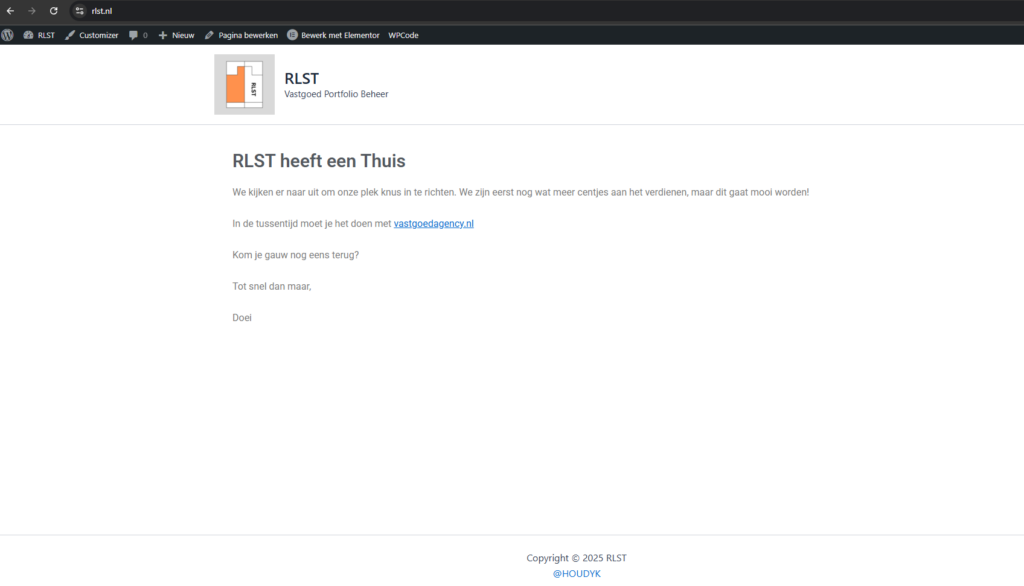
(12) Mobile Menu Astra Theme
If you use Astra Theme for the first time, you sooner or later will ask yourself this: “Were is the mobile menu in Astra Theme?”
I know this for a fact, because thousands of people are looking up my video about it on youtube. The volume is low, the quality mediocre, yet it is one of my most watched video’s. This must be a nasty problem for many of you. I have informaed the makers, but they ignore me. Therefore I must repeat it here:
The mobile menu in Astra theme is called Off Canvas Menu. You can thank me with a backlink!
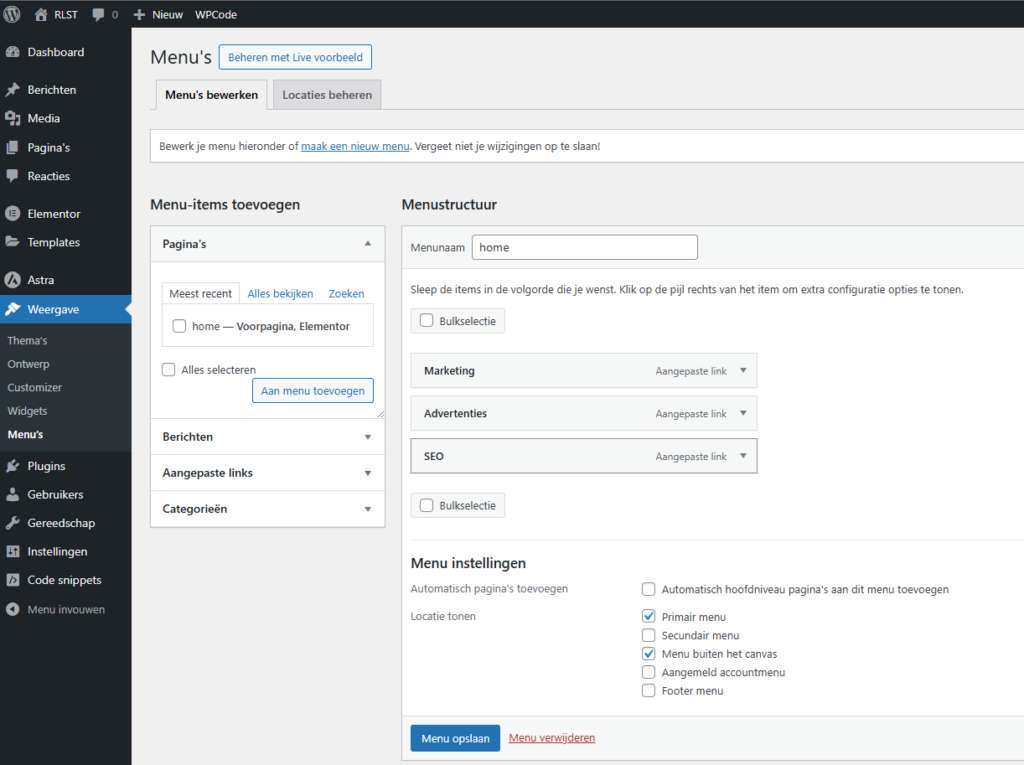
(13) Real Estate Hosting
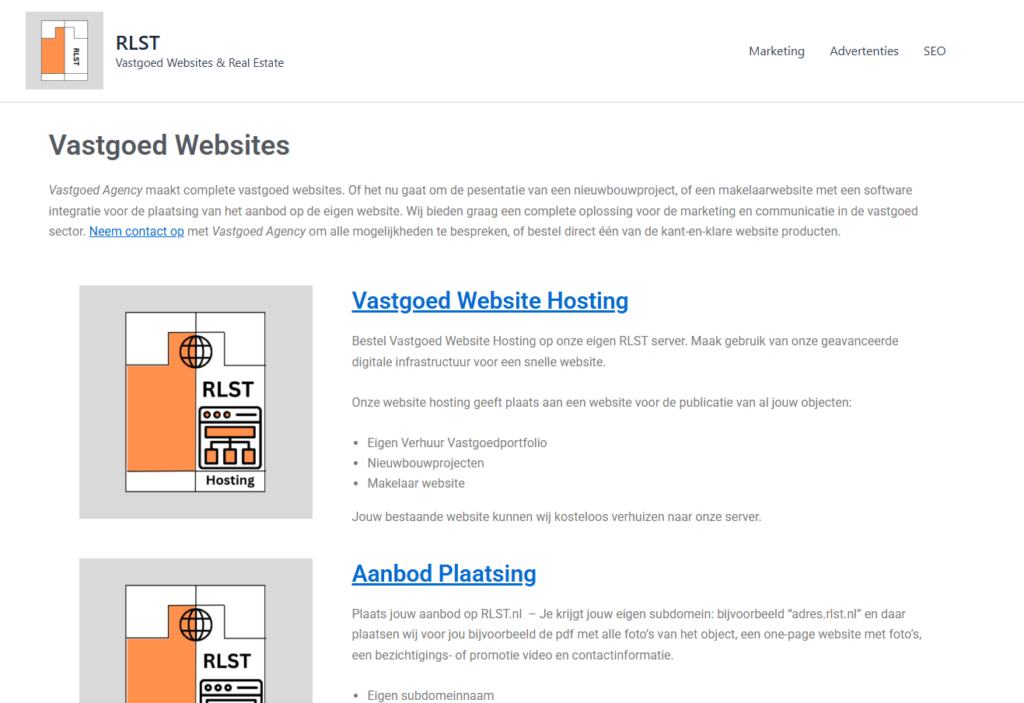
I just realised one step is missing on how to create pages with Elementor. I will alaborate on that some other time, or in a video. I simple added content now to one of my placeholder sites. Looking forward to develop these and other concepts in 2026!
Thank me with a backlink!
Not asking for a call to action is not getting one. So if this post was in any way usefull, informative, a welcome distraction, or just for trying? You can thank me with a backlink to this post or any other page on my website.
It is eays and goes like this:
Take the post url:
Select it and insert the link with a small note on your website. I appreciate it.